Articles15 min read

Classroom Organization Printables: Labels, Schedules, Binder Pages and More (Free PDF)

Download free printable classroom organization labels, schedule cards, binder covers, and supply tags — a complete teacher toolkit to tame classroom chaos in one afternoon.

Classroom Organization Printables: Labels, Schedules, Binder Pages and More (Free PDF)

You walk into your classroom on a Monday morning. The art supplies are in a bin labelled "miscellaneous," three students can't find their pencils, the daily schedule is still written on the whiteboard from last week, and your substitute teacher folder is — somewhere. Sound familiar?

Classroom organization isn't about Pinterest-perfect shelves. It's about building systems that let you spend more time teaching and less time hunting for glue sticks. Free printable classroom organization labels give you an affordable, instant way to bring order to every corner of your room — from supply bins and student desks to your teacher binder and daily schedule wall.

This guide covers every printable tool you need: supply labels with pictures pre-K children can read, editable daily schedule cards, teacher binder covers and tabs, student desk nameplates, classroom job charts, substitute teacher information sheets, center rotation boards, and homework tracking systems. Every resource is available as a downloadable PDF you can print this afternoon.

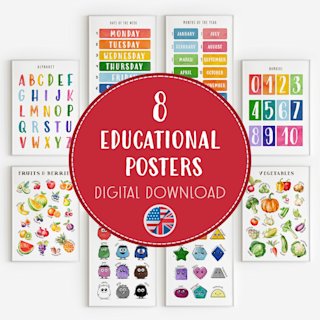
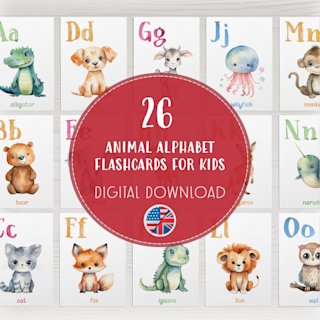
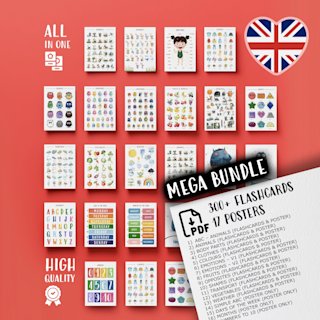
If you're also setting up your visual displays, our classroom poster set guide covers SEL, alphabet, and maths posters to pair with your organization system.
Why Classroom Organization Impacts Learning

A well-organized classroom isn't just easier on the eyes — research consistently shows it directly affects student outcomes. When children know where materials live, where to turn in work, and what comes next in the day, they spend less time asking procedural questions and more time on task.

Studies on classroom environment have found that physical order supports executive function development in young children. Clear labels, consistent routines, and visual schedules reduce anxiety — especially for students with ADHD, autism spectrum differences, or English-language learners who rely on visual cues to navigate the school day.

For teachers, organization reduces decision fatigue. When every marker has a home and every worksheet has a folder, you reclaim the mental bandwidth that scattered supplies quietly steal throughout the day. A simple labeling system can save you ten minutes of searching across a week — time that adds up to nearly an hour a month returned to instruction.

The key insight: organization works best when students can maintain it independently. That's why picture-based labels, colour-coded systems, and visual schedules are so powerful. They turn classroom upkeep into a student responsibility rather than another task on the teacher's plate.

Free Printable Classroom Supply Labels

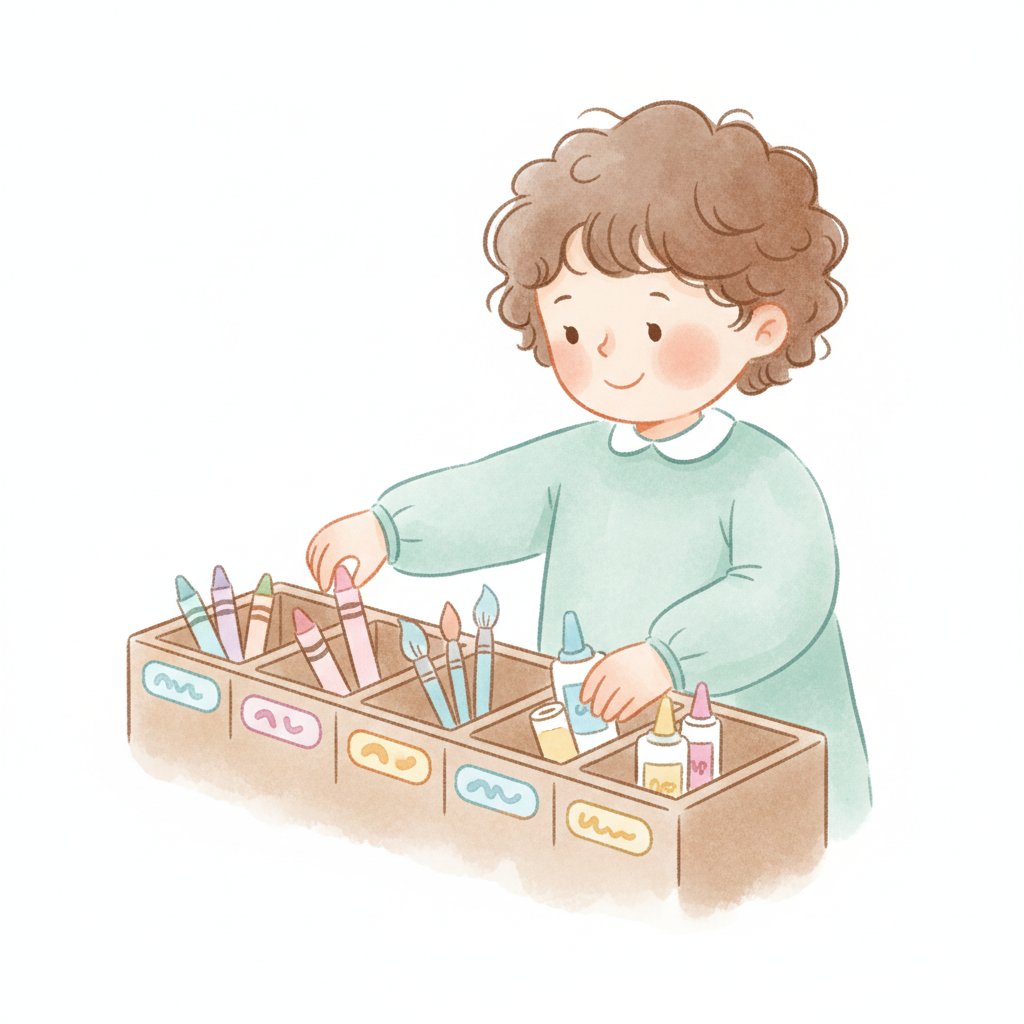
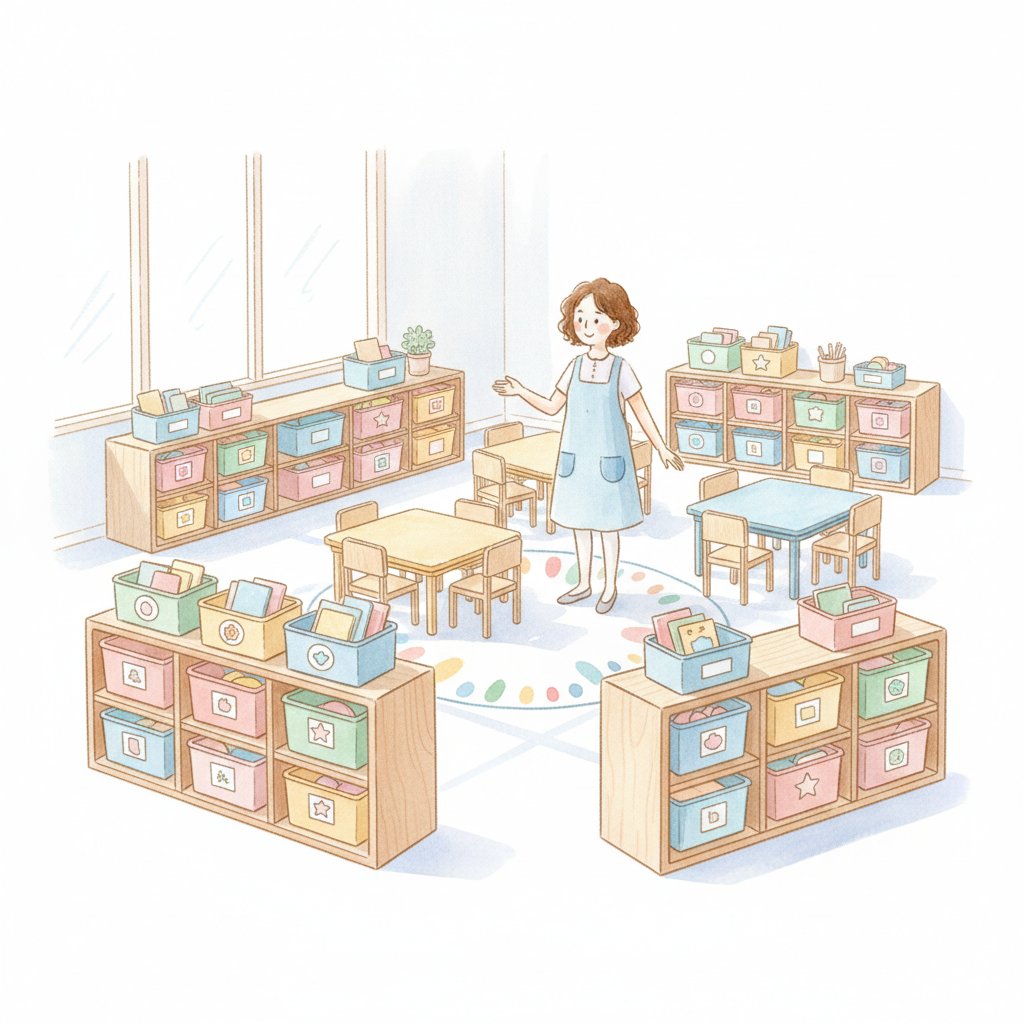
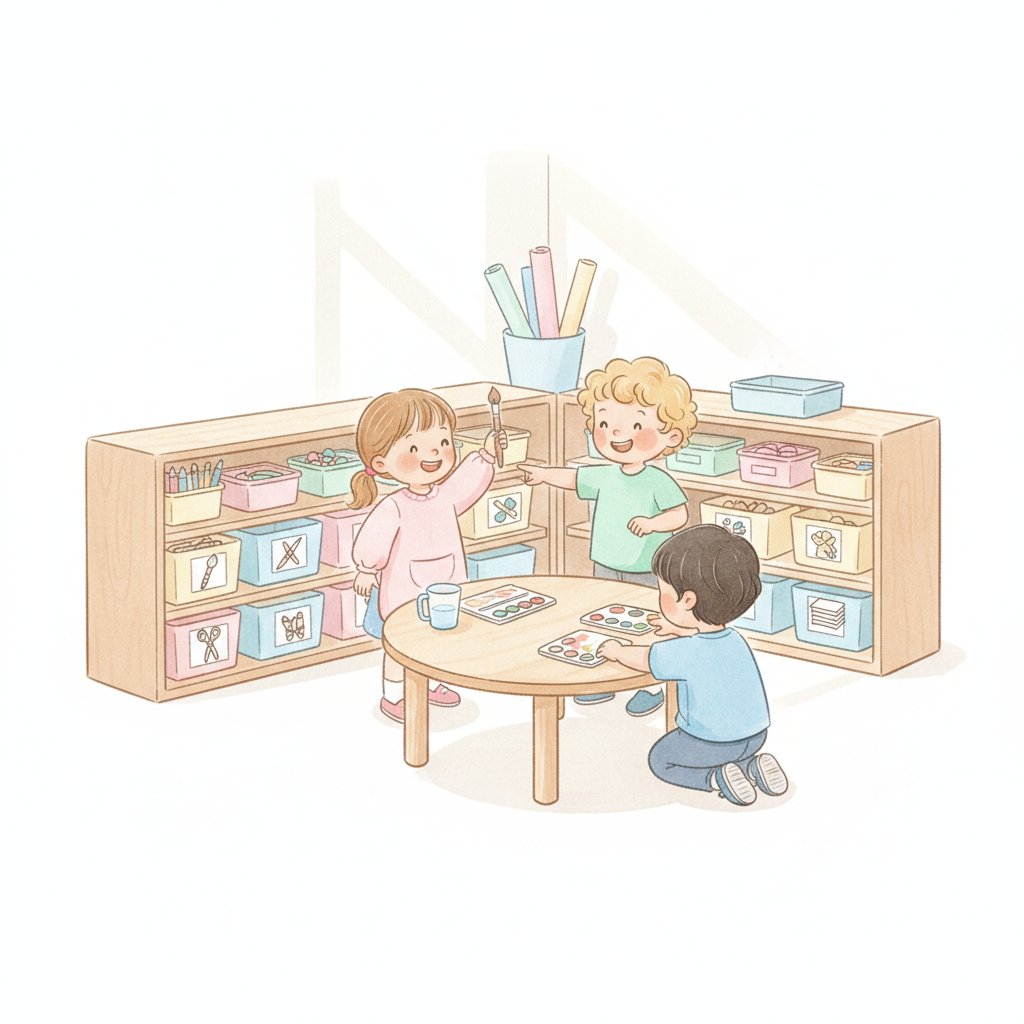
Supply labels are the backbone of classroom organization. When every bin, basket, and drawer carries a clear label — ideally with both text and a picture — students can find and return materials without help.

What to Label

Cover these essentials and you'll transform your supply area:

  • Writing tools: pencils, markers (thin and thick), crayons, coloured pencils, highlighters
  • Paper: plain white, lined, construction paper (sorted by colour), cardstock, scrap paper
  • Adhesives: glue sticks, liquid glue, tape, stapler, sticky notes
  • Cutting tools: scissors (left- and right-handed), craft knives (teacher-only bin)
  • Art supplies: paint brushes, watercolour palettes, clay tools, stamps and ink pads
  • Maths manipulatives: counting bears, base-ten blocks, pattern blocks, dice, playing cards
  • Miscellaneous: rulers, erasers, sharpeners, paper clips, rubber bands, tissue boxes

That's 25+ labels for a standard classroom. A set of classroom supply labels free printable cards with pictures ensures you won't run out of tags when you reorganize mid-year.

Why Picture Labels Matter

Pre-readers and early readers can't decode "coloured pencils" yet — but they can match a picture of coloured pencils to the bin in front of them. Picture labels turn cleanup time into an independent activity for children as young as three. This is especially important in Pre-K, Reception, and Year 1 classrooms where reading labels isn't realistic.

Design Tips for Effective Labels

Use consistent sizing (approximately 8 × 5 cm works for most bins), a clear legible font, and a single image per label. Colour-coding by category — blue for writing, green for art, yellow for maths — adds an extra visual layer that speeds up identification. Laminate labels or print on cardstock so they survive the school year.

Daily Visual Schedule Cards

Visual schedules are one of the highest-impact tools in any early-years classroom. When children can see what the day looks like — arrival, circle time, literacy centres, snack, outdoor play, and so on — transitions become smoother and "when is lunch?" questions disappear.

What to Include

A complete daily schedule card set should cover:

  • Routine events: morning arrival, circle time / carpet time, snack, lunch, recess, home time
  • Subject blocks: literacy, maths, science, art, music, PE, library, ICT
  • Special activities: assembly, show-and-tell, free choice, quiet reading, guided reading
  • Transition cues: tidy-up time, wash hands, line up, bathroom break
  • Blank editable cards: for events unique to your classroom

That's roughly 25–35 cards for a full primary school day.

Editable Time Slots

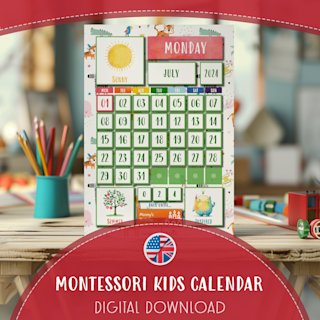
The best classroom schedule cards printable free sets include editable time slots — either a fillable PDF or a template you can customize in Canva or Google Slides. Every school has different timing, and your schedule changes with the seasons (shorter outdoor time in winter, assembly on Fridays only). Editable cards let you adapt without reprinting the whole set.

Display Ideas

Use a pocket chart, magnetic strips on a whiteboard, or velcro dots on a poster board. Place the schedule at children's eye level near the carpet area or classroom entrance. Some teachers use a "clothespin marker" — a decorated peg that clips onto the current activity so students can track where they are in the day.

For a deeper dive into structuring your school day, see our kindergarten daily schedule printable with half-day and full-day templates.

Subject Header Cards for Board Display

Subject headers label your classroom display boards so students (and visitors) know exactly where to look for maths work, literacy displays, science findings, and art projects. They also help you keep displays organized rather than letting everything blur together.

What Makes a Good Subject Header

Bold, readable text at a size visible from across the room (A4 or larger). A consistent design across all headers creates visual cohesion — matching borders, font, and colour palette make your classroom feel intentional rather than thrown together.

Include headers for: English / Literacy, Maths / Numeracy, Science, History, Geography, Art, Music, PE, PSHE / SEL, ICT / Computing, Topic / Theme, and "Our Work" or "Star Writers" for featured student work.

Print on coloured cardstock that matches your classroom colour scheme, or use a uniform white set with coloured accents. Laminate for multi-year durability.

Teacher Binder Printables

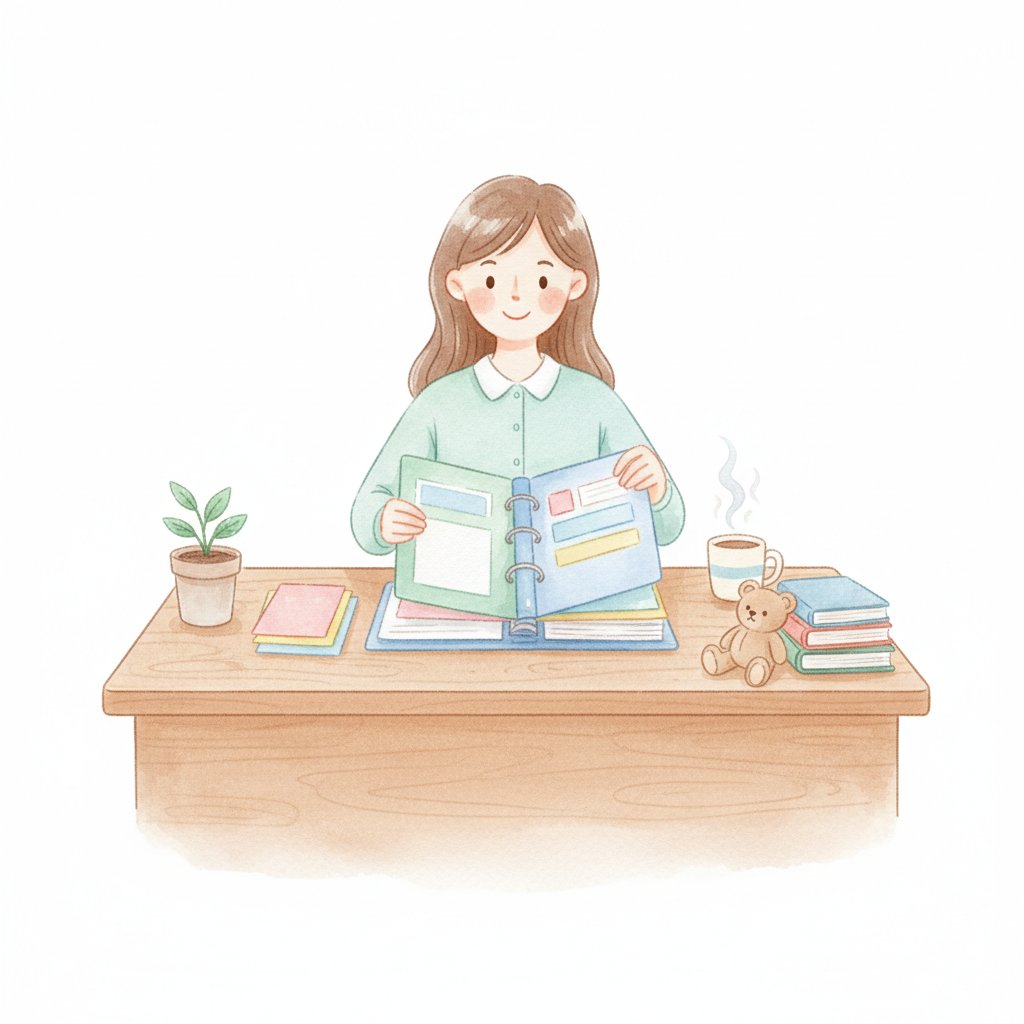
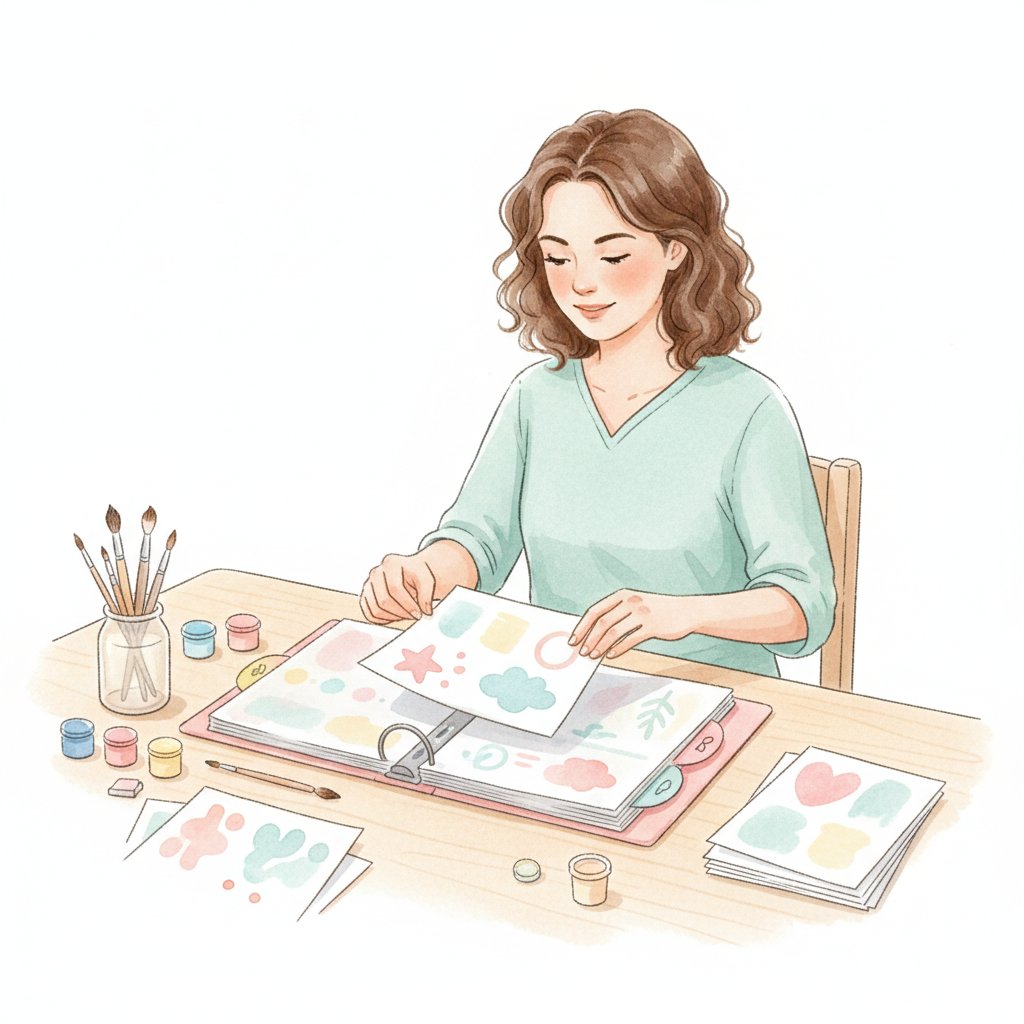
A teacher binder is your command centre — lesson plans, student data, meeting notes, and parent communication logs in one place. Teacher organization printables binder pages give you a cohesive, professional-looking system without the cost of a planner.

Essential Binder Sections

Cover page and spine label: Personalize with your name, grade level, and school year. Print on heavier paper for a polished look.

Section dividers with tabs: Printable tab dividers for each section — lesson plans, student data, meetings, parent communication, assessments, curriculum maps, and notes.

Weekly planner spread: A two-page weekly view with space for each subject block, to-do list, and notes. Some teachers prefer a daily layout with hour-by-hour slots; others like a subject-based grid. The right format is whichever you'll actually use.

Monthly calendars: Forward-plan units, track deadlines, and note school events at a glance.

Student information sheets: Emergency contacts, medical notes, learning accommodations, and parent communication log per student.

Meeting notes template: Date, attendees, agenda items, action items, and follow-up deadlines.

Setting Up Your Binder

Use a 2-inch or 3-inch ring binder with a clear-view cover so you can slide in your printed cover page. Add plastic pocket dividers for loose handouts, and keep a supply of sheet protectors for pages you reference daily. Reprint individual pages as needed — that's the advantage of a printable system over a bound planner.

Student Desk Organization Labels

Desk nameplates do double duty: they assign seating and they serve as learning references. A well-designed student desk label includes more than a name.

What to Include on Desk Labels

For early years (Pre-K to Year 1):

  • Student name (printed in a clear, handwriting-style font)
  • Alphabet strip (A–Z with pictures)
  • Number line (0–20)
  • Colour words
  • Left / right hand reminder

For older students (Year 2+):

  • Student name
  • Multiplication table
  • Commonly misspelt words
  • Writing checklist reminder

Desk Organization Tools

Beyond nameplates, printable desk organization tools include:

  • Supply checklists taped inside desks — "pencil, eraser, ruler, glue stick" with pictures so students can do a quick inventory before lessons
  • "Clean desk" rubrics — a simple visual checklist (supplies in pouch, papers in folder, no loose items) that students follow during Friday tidy-up
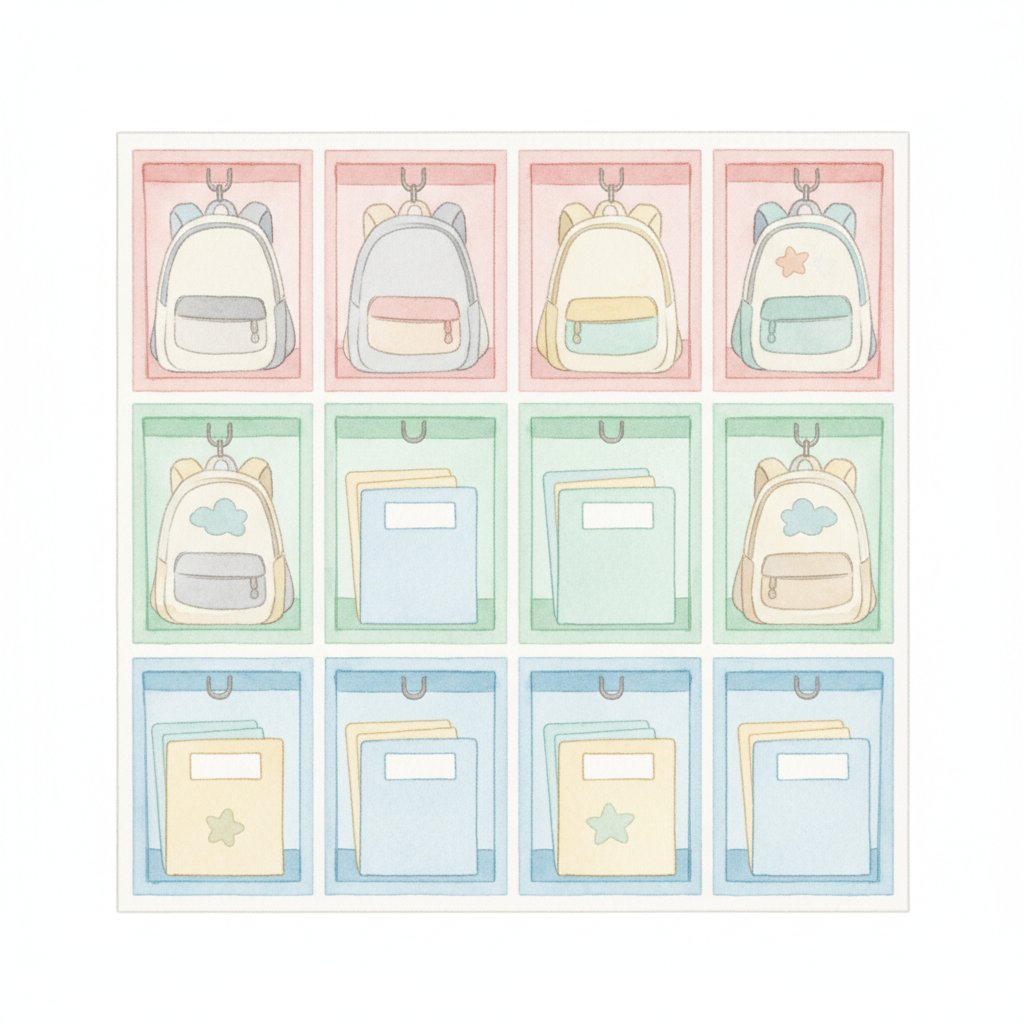
  • Book bin labels — each student's reading bin gets a personalized label with their name and a book-themed graphic

Classroom Job Chart Printables

Classroom jobs teach responsibility, build community, and distribute the real work of keeping a classroom running. A printable job chart makes assigning and rotating roles visual and straightforward.

Essential Classroom Jobs

Include 15–20 roles to ensure every student has a job:

Line leader, door holder, messenger, librarian (bookshelf tidy), supply monitor, paper distributor, technology helper, plant waterer, electrician (lights on/off), lunch count helper, calendar helper, weather watcher, floor sweeper, table washer, chair stacker, attendance helper, and substitute (fills in for absent students' jobs).

Chart Formats

Pocket chart style: Print job title cards and student name cards. Slide names into pockets next to jobs. Rotate weekly.

Clip chart: Print job cards with a clothespin per job. Write student names on clothespins and clip them to assigned jobs.

Magnetic board: Attach magnetic strips to printed job cards and student magnets. Move magnets to reassign.

All three formats work. Choose whichever display method fits your classroom wall space and budget.

Substitute Teacher Information Sheets

A substitute teacher walking into your classroom blind is a recipe for a rough day — for them and your students. A well-prepared sub binder or folder, using printable information sheets, can prevent most common problems.

What to Include

Welcome page: Your name, grade level, school contact number, and a brief note of thanks for covering your class.

Daily schedule: The same visual schedule cards your students use — but with additional notes about transition cues, which students need reminders, and where materials for each lesson are stored.

Class roster with notes: Student names, seating chart, medical alerts (allergies, asthma inhalers), behaviour support plans, and students who are reliable helpers.

Emergency procedures: Fire drill route, lockdown protocol, first-aid kit location, and the nearest staff bathroom.

Behaviour management: Your classroom rules (positively phrased), reward system, consequence steps, and a note about what motivates this particular group.

Lesson plans: Emergency plans that any teacher can deliver, plus notes about where to find materials for pre-planned lessons.

Technology guide: How to log into the whiteboard, where the charger lives, Wi-Fi password, and which students can help troubleshoot.

Keep all of this in a clearly labelled binder — "SUBSTITUTE TEACHER" in large letters on the cover — stored in an obvious location. Tell at least two colleagues where it lives.

Center Rotation Charts

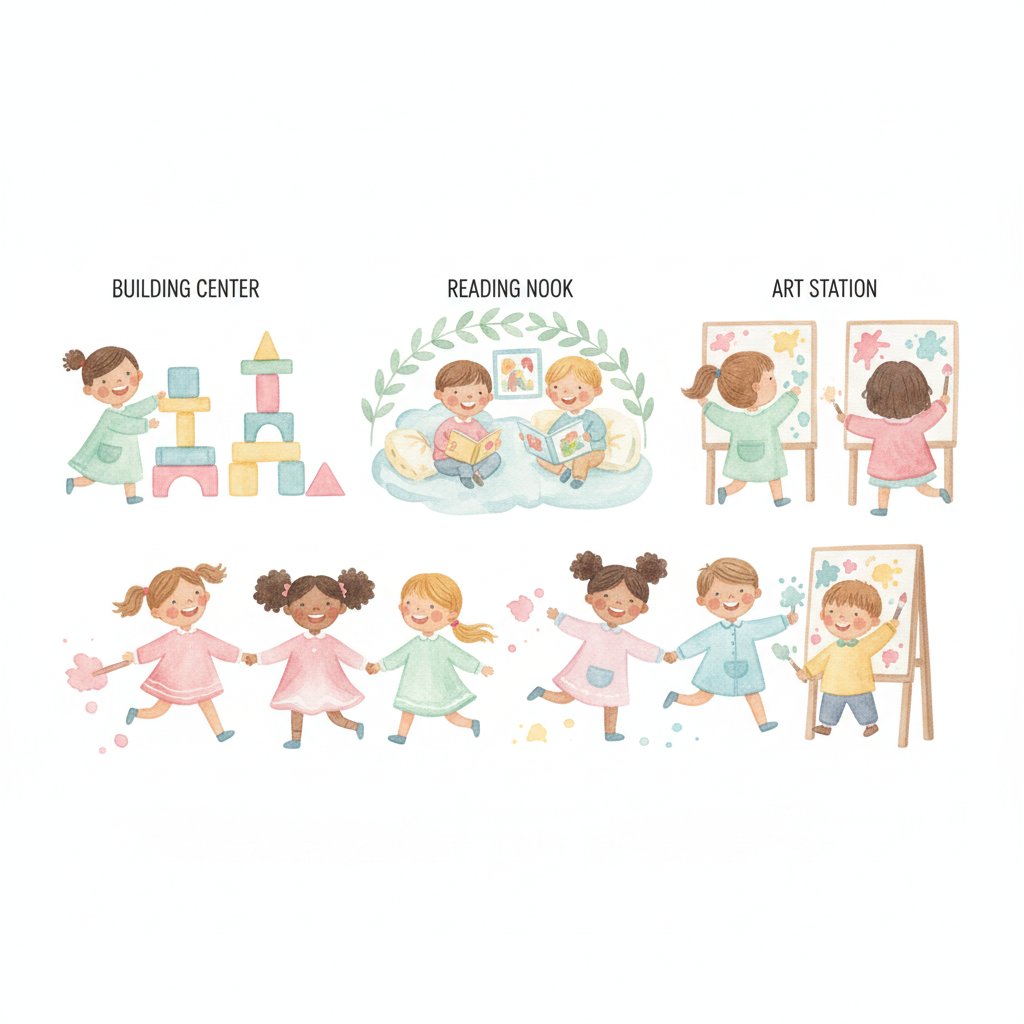
Center-based learning thrives on clear, visual rotation systems. When students can see which center they're assigned to, when they rotate, and what the expectations are, you spend less time managing transitions and more time working with small groups.

Designing Your Rotation Chart

Group names or numbers: Assign students to 4–6 colour-coded or animal-named groups. Print group labels for the rotation board.

Center labels: Name each center with a card showing the center name, a picture, and a brief activity description. Centers might include: Reading, Writing, Maths Games, Listening, Discovery / Science, Art, Computer, and Teacher-Led.

Rotation schedule: A grid showing which group visits which center during each rotation block. Use Velcro or magnets so groups move smoothly between blocks.

Printable Components

You'll need: group name cards (one per group), center name cards with pictures (one per center), a rotation grid template, and a timer card showing how long each rotation lasts. Print everything in matching colours, laminate, and attach to a poster board or magnetic whiteboard.

Lost and Found / Homework Organization Systems

The "no name" pile. The crumpled homework at the bottom of a backpack. The jumper that nobody claims. Every classroom needs systems for lost items and homework collection.

Lost and Found Station

Set up a designated "Lost and Found" bin or area with a large, clearly printed sign. Add a secondary tray labelled "Found Items — No Name" for stray papers. Train students to check the bin during pack-up time. At the end of each week, unclaimed items go to the school's main lost-and-found.

Printable labels for this system: "Lost & Found" bin label, "No Name Papers" tray label, and a weekly checklist for the job-chart student responsible for maintaining the station.

Homework Collection System

Turn-in trays: Label separate trays or folders by subject or day of the week — "Monday Homework," "Tuesday Homework," etc. Students slide papers into the correct slot.

Homework tracking sheet: A printable grid with student names down the side and dates across the top. Mark each assignment as received, missing, or incomplete. Keep this in your teacher binder for parent conference reference.

"Missing Work" notices: Small printable slips you can hand to students when an assignment is overdue — includes the assignment name, due date, and a space for the student to write when they plan to submit it.

How to Set Up a Classroom Organization Binder

Pulling all these printables into one coherent system is where organization sticks. Here's a step-by-step setup you can complete in a single afternoon.

Step 1: Gather Supplies

You'll need a 3-inch ring binder, sheet protectors, tab dividers, cardstock, a laminator (or self-adhesive laminating sheets), and adhesive (Velcro dots, magnetic strips, or double-sided tape depending on your display surfaces).

Step 2: Print Your Kit

Print all labels, schedule cards, binder pages, job chart pieces, and header cards on cardstock (200 gsm or heavier). Test-print one of each type first to verify sizing and colour quality before running the full set.

Step 3: Laminate Everything

Laminate labels and cards that will be handled frequently — supply labels, schedule cards, job chart pieces, and rotation cards. Binder pages that stay protected in sheet protectors don't need lamination.

Step 4: Assemble the Teacher Binder

Insert your cover page, then build sections: schedule, student information, lesson plans, meetings, parent communication, and assessments. Add sheet protectors for pages you reference daily.

Step 5: Deploy Labels and Displays

Attach supply labels to bins using clear packing tape or adhesive pockets. Mount the schedule cards, job chart, and rotation board at student eye level. Place the substitute binder in its designated spot and tell your colleagues.

Step 6: Teach the Systems

Spend the first week explicitly teaching students how each system works: how to read the schedule, where to return supplies, how to check their job assignment, and what to do with finished homework. Practice until it's routine. Revisit after every school break.

Printing Tips: Paper Weight, Lamination, and Durability

Printable resources are only as good as their physical durability. Here's how to make your printables last.

Paper Weight

  • Standard copier paper (75–80 gsm): Fine for binder pages and reference sheets that stay in protectors
  • Cardstock (160–250 gsm): Best for labels, schedule cards, and display pieces that get handled
  • Photo paper (200+ gsm glossy): Use for poster-quality displays where colour vibrancy matters

For most classroom organization printables, 200 gsm cardstock is the sweet spot — sturdy enough to survive daily use, affordable enough to print replacements when needed.

Lamination Options

  • Thermal laminator + pouches: The gold standard. A basic home laminator costs under £25 and pouches are cheap in bulk. Seals edges completely and lasts years.
  • Self-adhesive laminating sheets: No machine needed. Slightly trickier to apply without bubbles, but effective for smaller pieces like labels.
  • Dry-erase pockets: Slide printables in without laminating. Great for materials that change frequently (schedule cards, rotation grids).
  • Clear contact paper: Budget option. Works for labels but less durable than proper lamination.

Adhesive Choices

Use Velcro dots for items that move (schedule cards, rotation pieces, job assignments). Magnetic strips work on whiteboards and filing cabinets. Double-sided tape or glue sticks secure permanent labels. Avoid Blu Tack for heavy or frequently handled items — it weakens over time.

Ink Saving Tips

Print in draft mode for internal binder pages that don't need presentation quality. For labels and display pieces, use "normal" or "best" quality. If you're printing a full set of 40+ supply labels, consider having them printed at a copy shop — the per-page cost is often lower than running your home printer through that much cardstock and ink.

Frequently Asked Questions

How many supply labels do I really need?

Most primary classrooms need 25–35 labels for a well-organized supply area. A set of 40+ labels gives you room for specialty items and future additions. It's better to have extras than to leave bins unlabeled.

Can I edit printable schedule cards to match my school day?

Yes — the best printable sets include fillable PDF fields or Canva/Slides templates where you can type your own times and activity names. If a set isn't editable, print blank cards and handwrite your schedule.

What's the best way to display a daily schedule?

A pocket chart is the most flexible option — you can rearrange cards daily and add a "current activity" marker. Magnetic whiteboard displays work well if you have the board space. Avoid taping cards directly to the wall if your schedule changes frequently.

Do I need to laminate everything?

No. Laminate items students handle frequently (supply labels, schedule cards, job chart pieces). Binder pages that live in sheet protectors don't need it. Poster-style displays that hang on walls are fine on cardstock without lamination if they're out of reach.

How do I keep my organization system going all year?

Teach the systems explicitly in the first week. Assign classroom jobs for maintaining labels and displays. Do a quick "organization audit" after every school break — replace damaged labels, update the schedule, refresh the job chart. When students own the system, it sustains itself.

Start Organizing Your Classroom Today

A well-organized classroom runs smoother, feels calmer, and gives you more time to do what you actually love — teaching. Free printable classroom organization labels, schedule cards, binder pages, and display tools give you everything you need to build that system without spending a fortune.

Start with the highest-impact items: supply labels for your bins, a visual daily schedule, and a teacher binder with your essential sections. Once those are in place, add student desk labels, job charts, and rotation boards as your classroom routines settle. Build gradually, involve your students, and revisit your systems after each term break.

The best organization system is the one your students can maintain independently. Picture labels, visual schedules, and clear routines turn classroom management into shared responsibility — and that's a win for everyone. These classroom management printables work together as an integrated system.

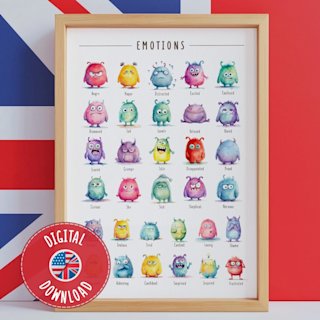
Looking for more classroom resources? Explore our emotions flashcards for kids to support SEL alongside your organization system, or browse our educational posters collection for visual displays that complement your new labels and schedules.

For a complete daily routine setup, pair this guide with our free kindergarten daily schedule printable and our classroom poster set guide for teachers.